
Cloudcannon
Cloudcannon Headless CMS for ASTRO JS Project
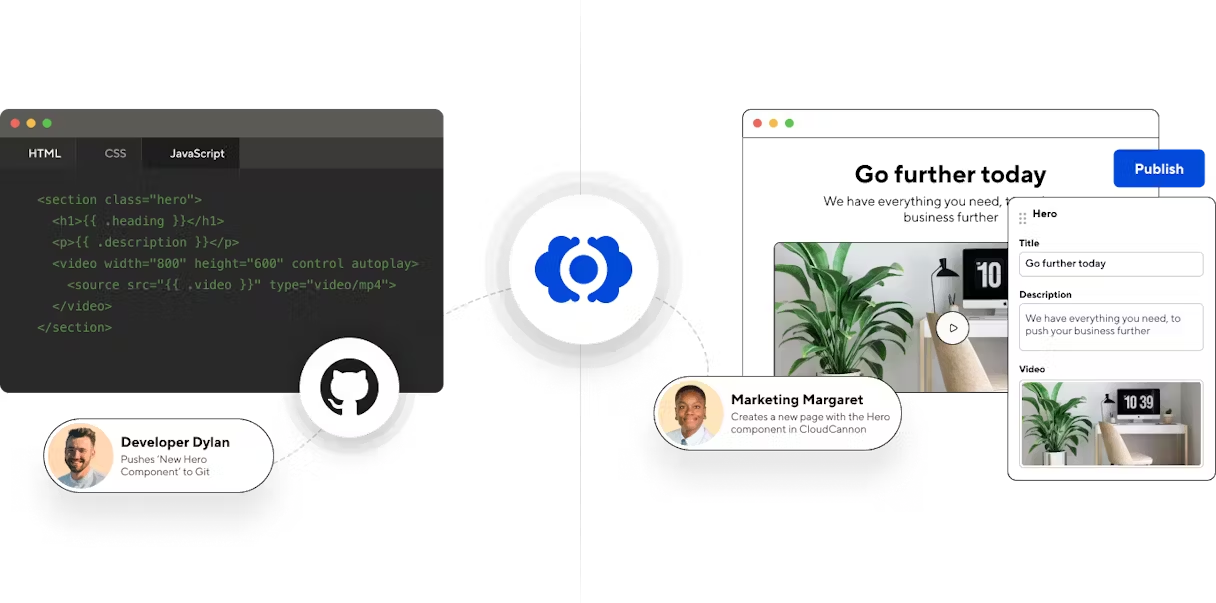
If you want integration your astro js project with headless cms , you can use cloudcannon. see cloudcannon pricing plan →
For first make sure you have push your astro js project in to your github repo Read documentation how to push astro js project in to github repo here →, next you need to register and create account on cloudcannon.
Create Project
Section titled “Create Project”After you have select plan on cloudcannon, now you can create new project.
Git Provider
Section titled “Git Provider”
Git Provider - Choose your Git provider. Groups sites based on which repository is connected - select github
Git Repository
Section titled “Git Repository”
Now, you can select your github repo project,on Main Branch - you can check on github repo project is use main or master branch, next you can input main if your github repo use main branch then click create project button.
Project is Ready
Section titled “Project is Ready”
And your new project is ready !!
Add New Site
Section titled “Add New Site”Create your new web project
Section titled “Create your new web project”
Next You need to create new site, so you can click add new site button on your cloudcannon dashboard area.
Website Configuration
Section titled “Website Configuration”
Now you can name it your website project. and select your branch - main or master. and click sync button.
Sync Project
Section titled “Sync Project”
Wait for sync progress
Deploy Website
Section titled “Deploy Website”Prepare Build
Section titled “Prepare Build”
Next cloudcannon will be analyze what your static site generator - Astro JS - Next you can click build
Build Production
Section titled “Build Production”
Next cloudcannon will build your astro website project
Success Production
Section titled “Success Production”
And then your website is success build to production mode.
Cloudcannon Configuration
Section titled “Cloudcannon Configuration”
Next you need to Set up editing - click on get started button.
Configuration File
Section titled “Configuration File”
Click Generate your global configuration file button
Collection Schemes
Section titled “Collection Schemes”
Next you can setup collection schemes in here, and click save.
Review Change
Section titled “Review Change”
Review change and click save.
Success Integration CMS
Section titled “Success Integration CMS”
And your astro headless cms is success integration.